Any Amazon agency or seller with an Apple Silicon Mac can run a capable AI model locally in under 10 minutes, with zero API costs and zero data leaving their machine — and the use cases for Amazon data analysis are more practical than most sellers realize.
When you paste your manufacturing costs, supplier invoices, or client brand financials into ChatGPT or Claude, that data travels to a third-party server. For agencies with NDAs or sellers with sensitive sourcing data, this is a genuine compliance risk.
Ollama solves this: Run open-source AI models entirely on your own machine. Zero API cost, zero data leaving your device, works offline.
Here's exactly what Ollama is, how to set it up, which models to use, and three practical Amazon workflows that justify the setup.
The Data Privacy Problem
The Cloud AI Trade-Off:
When you use ChatGPT or Claude for Amazon data analysis, your data goes to:
- OpenAI's servers (ChatGPT)
- Anthropic's servers (Claude)
- Third-party API providers (if using via API)
For Amazon agencies, this creates compliance issues:
- Client brand financials under NDA
- Supplier cost data (competitive advantage)
- Manufacturing invoices (proprietary sourcing relationships)
For individual sellers, this creates risk:
- Margin data exposed to third parties
- Product cost structures visible to competitors (if data leaks)
- Financial reports stored on external servers
Ollama's Value Proposition: Your data stays on your device. Zero data leaves your machine. Works completely offline.
What Ollama Actually Is
Ollama launched in early 2024 and reached v0.12.0 by September 2025 with cloud integration features added. It's open-source, CC0-1.0 license (free forever), and uses llama.cpp as its inference engine with quantization that lets models run on consumer hardware.
Key Features:
- OpenAI-Compatible API: Works with existing tools that expect OpenAI's API format
- 100+ Models Available: Single-command download for Llama, Mistral, Phi, DeepSeek, and more
- Works Offline: No internet required after initial model download
- GPU Acceleration: Uses Apple Silicon NPU or NVIDIA/AMD GPUs automatically
Ollama runs 100+ models including vision models for product image analysis.
Hardware Requirements (Honestly Stated)
Thunder Compute provides a clear hardware requirements table:
RAM Requirements:
- 4GB RAM: 1B–3B parameter models (basic tasks, limited use cases)
- 8GB RAM: 7B parameter models (most consumer use cases, comfortable performance)
- 16GB RAM: 13B models comfortably (stronger reasoning, better analysis)
- 32GB+ RAM: 30B+ models (enterprise-grade analysis, complex reasoning)
Quantization Explained:
Ollama uses model quantization to reduce memory requirements. A 70B parameter model can run on 48GB RAM instead of 140GB+ by compressing the model weights.
Recommended Hardware:
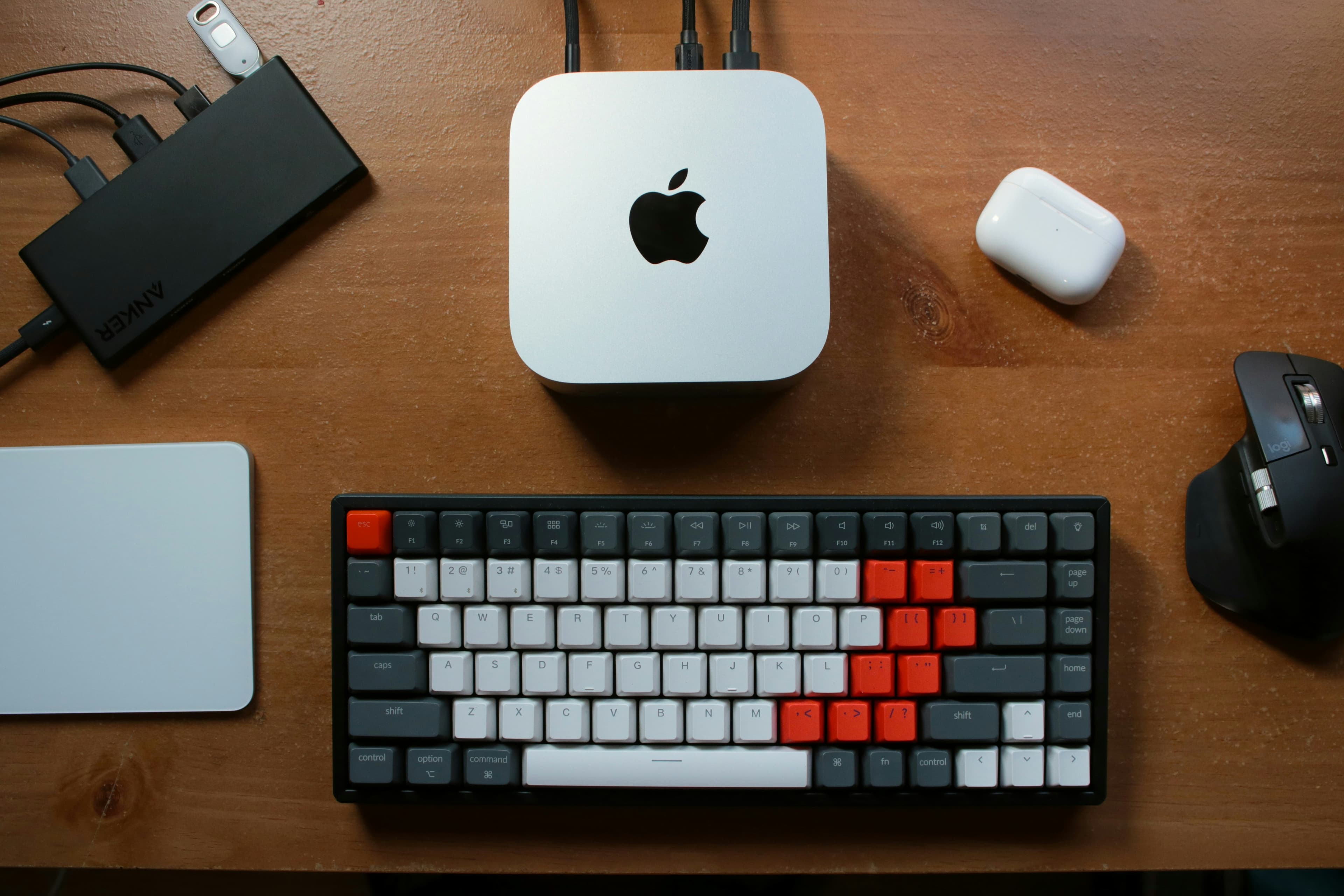
✅ Apple Silicon Macs (M1/M2/M3/M4):
- NPU acceleration (Neural Processing Unit)
- Efficient memory usage
- 8GB RAM handles 7B models comfortably
- 16GB RAM handles 13B models comfortably
- This is the recommended entry point
✅ Windows Machines with Modern GPU:
- NVIDIA RTX 3060+ or AMD equivalent
- GPU acceleration significantly faster than CPU-only
- 16GB+ RAM recommended
⚠️ CPU-Only (Older Intel Macs or Windows without GPU):
- Technically possible but slow on larger models (13B+)
- Acceptable for 7B models but not ideal
- Not recommended for practical daily use
The Honest Assessment: If you don't have Apple Silicon or a GPU, cloud LLM workflows are more practical. Ollama's value is data sovereignty, not cost savings if you need to buy hardware.
Step-by-Step Setup (3 Steps)
DEV Community provides a complete installation guide, but here's the condensed version:
Step 1: Download Ollama
- Go to ollama.com
- Click "Download" (detects your OS automatically)
- Install the application (standard Mac installer)
Step 2: Pull Your First Model
Open Terminal and run:
ollama pull llama3.2
This downloads Llama 3.2 (3B parameters, ~2GB, works on 8GB Macs).
Step 3: Run Your First Prompt
ollama run llama3.2
You'll see a prompt. Type:
Analyze this Amazon FBA reimbursement data and identify unclaimed events.
Paste your data and get results — that's it.
Total Setup Time: Under 10 minutes.
Model Recommendations for Amazon Seller Use Cases
Collabnix provides a model selection guide with RAM requirements and use case differentiation. Here are the models that matter for Amazon sellers:
Llama 3.2 (3B) — Fast, Good for Quick Analysis
Best for: 8GB Macs, quick data processing tasks
RAM Required: 4–6GB
Use Cases: Simple reimbursement analysis, basic keyword extraction, quick summaries
Download: ollama pull llama3.2
Mistral 7B — Stronger Reasoning
Best for: 8GB+ Macs, more complex analysis
RAM Required: 8GB comfortably
Use Cases: Multi-step reimbursement cross-referencing, conversion rate analysis, competitor review mining
Download: ollama pull mistral
Phi-4 (14B from Microsoft) — Strongest at Structured Data
Best for: 16GB Macs, financial data analysis
RAM Required: 16GB comfortably
Use Cases: Supplier invoice comparison, margin analysis, financial report parsing
Download: ollama pull phi4
Why Phi-4 for Financial Data: Microsoft trained Phi-4 specifically for structured data tasks. It handles CSV parsing, calculations, and financial analysis better than general-purpose models.
DeepSeek-R1 — Reasoning-Specialized
Best for: 16GB+ Macs, complex multi-step analysis
RAM Required: 16GB+
Use Cases: Complex reimbursement workflows, multi-report analysis, strategic recommendations
Download: ollama pull deepseek-r1
Why DeepSeek-R1: Specialized for reasoning tasks. If you need an AI that can think through multi-step problems (e.g., "Cross-reference these three reports and identify patterns"), DeepSeek-R1 is stronger than general-purpose models.
Vision Models: Llama 3.2 Vision, LLaVA
Best for: Product image competitive analysis
RAM Required: 8GB+
Use Cases: Analyzing competitor product images, identifying visual elements your product lacks
Download: ollama pull llava or ollama pull llama3.2-vision
Three Practical Amazon Workflows
Workflow 1: Local Reimbursement Data Analysis
The Problem: You can't send client financial data to cloud AI APIs (NDA compliance).
The Solution: Run analysis locally with Ollama.
Setup:
- Download Inventory Ledger and Reimbursements Report from Seller Central
- Open Terminal:
ollama run phi4(or mistral for 8GB Macs) - Paste both reports
- Prompt: "Cross-reference lost inventory against reimbursements. Generate claim text for unclaimed events."
Output: Prioritized claims list with pre-written claim text — all processed locally, zero data sent to third parties.
Time Saved: 3–5 hours → 10 minutes (same as cloud, but private)
Workflow 2: Supplier Invoice Comparison
The Problem: Supplier invoices contain sensitive cost data you can't send to cloud APIs.
The Solution: Analyze invoices locally.
Setup:
- Download supplier invoices (PDF or CSV)
- Open Terminal:
ollama run phi4 - Paste invoice data
- Prompt: "Compare these supplier invoices. Identify cost increases, quantity discrepancies, and payment terms changes."
Output: Supplier comparison analysis — cost trends, payment term changes, quantity variances.
Privacy Benefit: Your manufacturing costs never leave your machine.
Workflow 3: Competitive Review Mining
The Problem: Analyzing 50+ competitor reviews manually takes hours.
The Solution: Paste reviews into Ollama, get differentiation brief.
Setup:
- Copy competitor ASIN reviews (1-star and 2-star)
- Open Terminal:
ollama run mistral(or deepseek-r1 for complex analysis) - Paste reviews
- Prompt: "Analyze these competitor complaints. Identify the top 5 most common issues and suggest how our product addresses them."
Output: Product differentiation brief with specific listing optimization recommendations.
Privacy Benefit: Your competitive analysis strategy stays private.
The Honest Ceiling: Where Local AI Falls Short
Local models are behind frontier models (Claude Sonnet, GPT-4o) on complex reasoning. Be honest about the limitations:
✅ What Local AI Does Well:
- Structured data analysis (CSV parsing, calculations)
- Pattern identification (finding unclaimed reimbursements)
- Text extraction and summarization
- Routine analysis tasks
❌ What Local AI Struggles With:
- Nuanced strategic analysis (e.g., "Should I launch this product?")
- Complex multi-step reasoning requiring deep domain knowledge
- Creative problem-solving
- Real-time data access (can't pull from APIs)
The Hybrid Approach:
- Use Local AI (Ollama): For sensitive data processing, routine analysis, structured tasks
- Use Cloud AI (Claude): For strategic analysis, creative problem-solving, complex reasoning
Example: Run reimbursement analysis locally (sensitive financial data), then use Claude for strategic recommendations based on the results (less sensitive, benefits from stronger reasoning).
GUI Options for Non-Terminal Users
If you're not comfortable with Terminal, there are GUI options:
Open WebUI
What it is: Self-hosted web interface for Ollama
Best for: Teams that want a ChatGPT-like interface
Setup: docker run -d -p 3000:8080 --add-host=host.docker.internal:host-gateway -v open-webui:/app/backend/data --name open-webui --restart always ghcr.io/open-webui/open-webui:main
Access: http://localhost:3000
AnythingLLM
What it is: RAG (Retrieval-Augmented Generation) workflows with document upload
Best for: Sellers who want to upload their catalog/context once and reuse it
Setup: Desktop app or Docker container
LM Studio
What it is: Polished model management and chat interface
Best for: Windows users who want a native app
Limitation: Windows/Mac only, no Linux support
Askimo provides a 2026 comparison of Ollama clients with detailed feature breakdowns.
The Upgrade Path: When You've Outgrown Local
Start Local (Ollama):
- Sensitive financial data
- Client data under NDA
- Routine structured analysis
Upgrade to Cloud (Claude Projects):
- Strategic analysis requiring stronger reasoning
- Workflows needing real-time API access
- Complex multi-step problem-solving
See our guide on using Claude for Amazon report analysis for the cloud upgrade path.
Bottom Line: If You Have Apple Silicon, Try Ollama
If you have an Apple Silicon Mac (M1/M2/M3/M4) with 8GB+ RAM, Ollama is worth trying. Setup takes under 10 minutes, and the privacy benefit for sensitive Amazon data is genuine.
Start With:
- Download Ollama
- Pull
mistral(7B, works on 8GB Macs) - Try the reimbursement analysis workflow
- If it works for your use case, explore other models
If Local Feels Like Too Much Setup: Use the cloud version with Claude Projects — same workflows, easier setup, but data goes to Anthropic's servers.
The Framework: Understand which tier of automation you actually need — Tier 3b (local AI) is for sellers who prioritize data sovereignty over convenience.
The Lucrivo Newsletter — Coming Soon! Please check out our content on our website for now — explore the blog, tools, and automations roadmap.